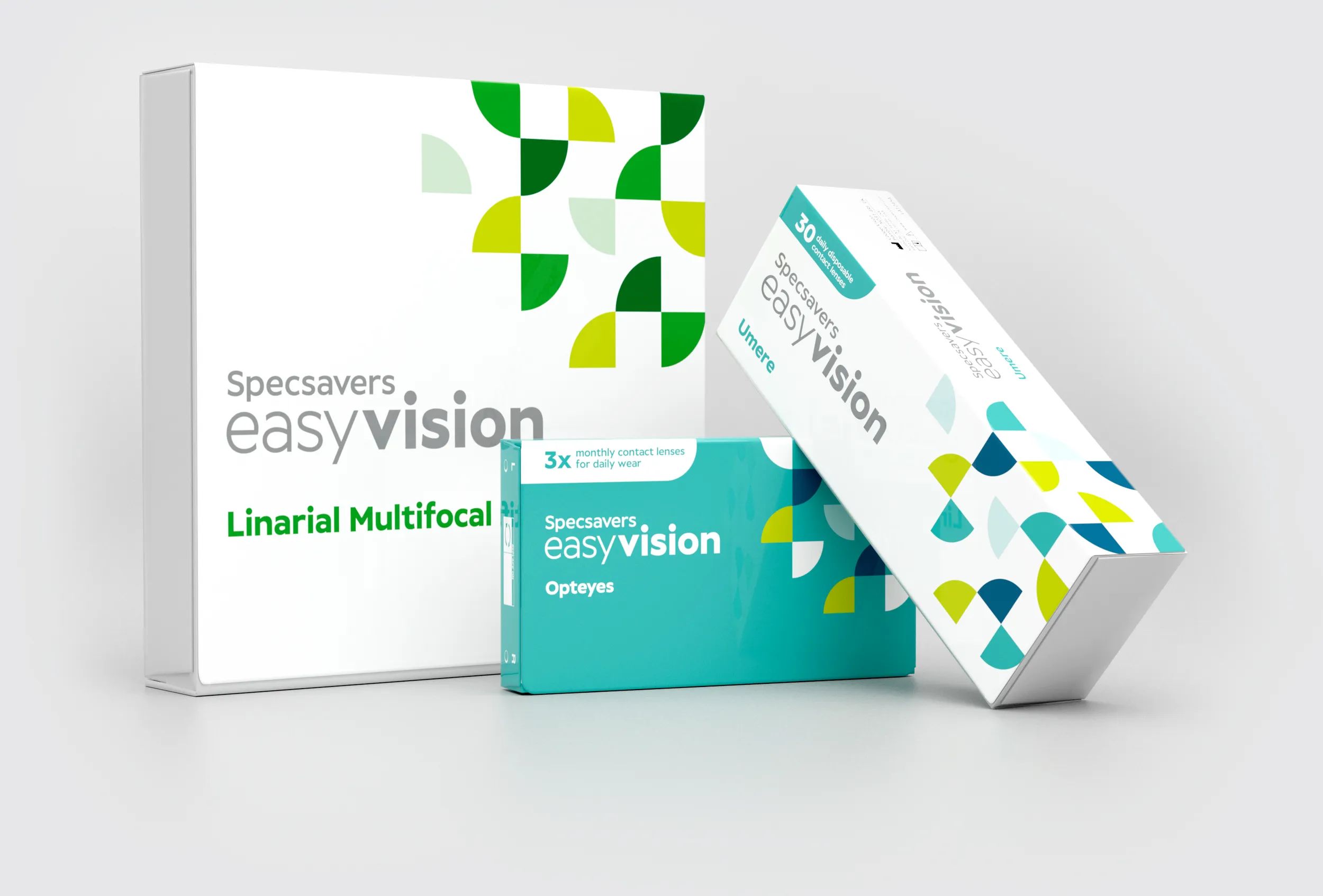

Top up your contact lens supply without the faff of putting in all your details again if you already have a Specsavers account.
All it takes is three easy steps:

Go to 'Express re-order' to find your past order

Place your order again securely
Frequently asked questions
After you’ve logged into your account, click the express re-order button in the top right corner of your screen. Your express re-order, delivery address and payment details will default to the last order you placed online.
You can choose from any of your prior orders to express re-order.
If your prescription has recently changed, we recommend booking a contact lens check-up before reordering. That way, we ensure your lenses still suit your needs. Book an appointment here.
All your payment and delivery details are shown underneath your express re-order basket. You can choose a different option from your existing address book and wallet, or you can add new details.
You’ll get a confirmation email once your payment has gone through. If, for some reason, your payment isn’t successful, you’ll be asked to select another card from your wallet or just add a new card.
If a card from your wallet has expired, you’ll be prompted to select an alternative card from your wallet, or you can add a new one. Then it’ll be ready for the next time you express re-order.
You’ll be notified if your payment is unsuccessful and be asked to select a different card from your wallet or add a new one
Our customer service team is on hand to help with any questions about reordering, delivery or subscriptions.
Contact us via our help page or call 0345 603 9818.
Subscribe and save

Full contact lens health check
Free home delivery

A dedicated UK contact centre

Free replacement contact lenses*
*Full T&Cs are available in store

One free pair of glasses. You can get one free pair of glasses from our €20 to €70 range, with some discounts on other ranges available.

Free eye tests as recommended by your eye care professional